- Superpower Daily
- Posts
- Superpower ChatGPT v8 is out + the new website is live
Superpower ChatGPT v8 is out + the new website is live
Highlights, tree maps, prompt queue, ad blocking, free tools, tutorials, and a launch discount.

Saeed Ezzati
July 01, 2026
Superpower for ChatGPT v8
New features are live, and the new website is here.
This update adds highlights with annotations, tree maps, prompt queue, ad blocking, stronger export tools, and a new website with tutorials, release notes, free tools, and the sp URL trick.
Install or update Superpower for ChatGPTSee the tutorials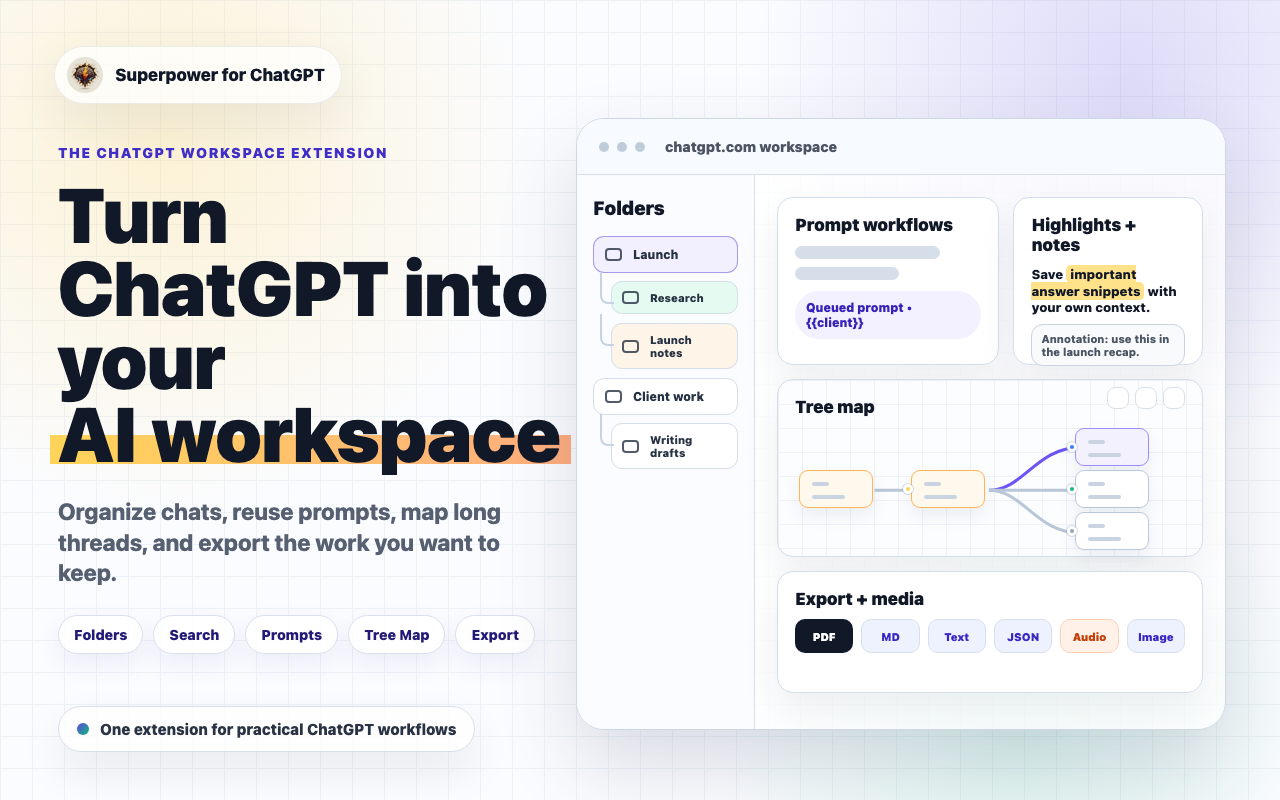
What is new in v8
Save, map, queue, and clean up ChatGPT work.
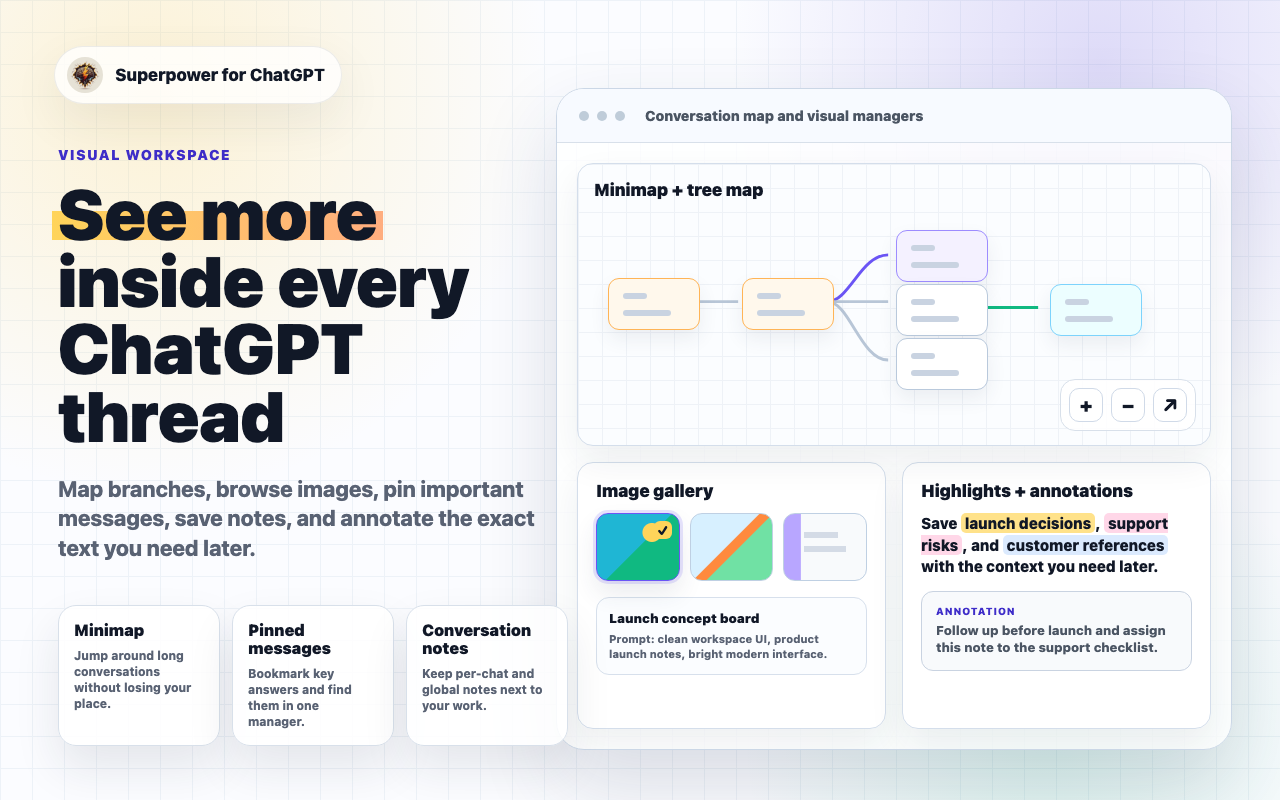
- Highlights + annotations: Highlight important parts of a ChatGPT response in multiple colors and add your own note or context to each highlight. Learn more
- Tree map: View long or branched conversations as a map, inspect alternate paths and images, continue from any point, and download the map as a PNG. Learn more
- Prompt queue: Type follow-up prompts while ChatGPT is still responding, press Tab, and Superpower sends them when ChatGPT is ready. Learn more
- Ad blocker: Hide sponsored cards inside ChatGPT conversations. Learn more
- Better export and print tools: Export conversations with images, print full conversations, and reuse old chats more easily. Learn more
Prompt workflows
Prompts are easier to reuse.
Prompt chains, variables, optimizer, queue, and prompt history help turn one-off prompting into repeatable workflows.
Prompt chainsPrompt variablesPrompt queue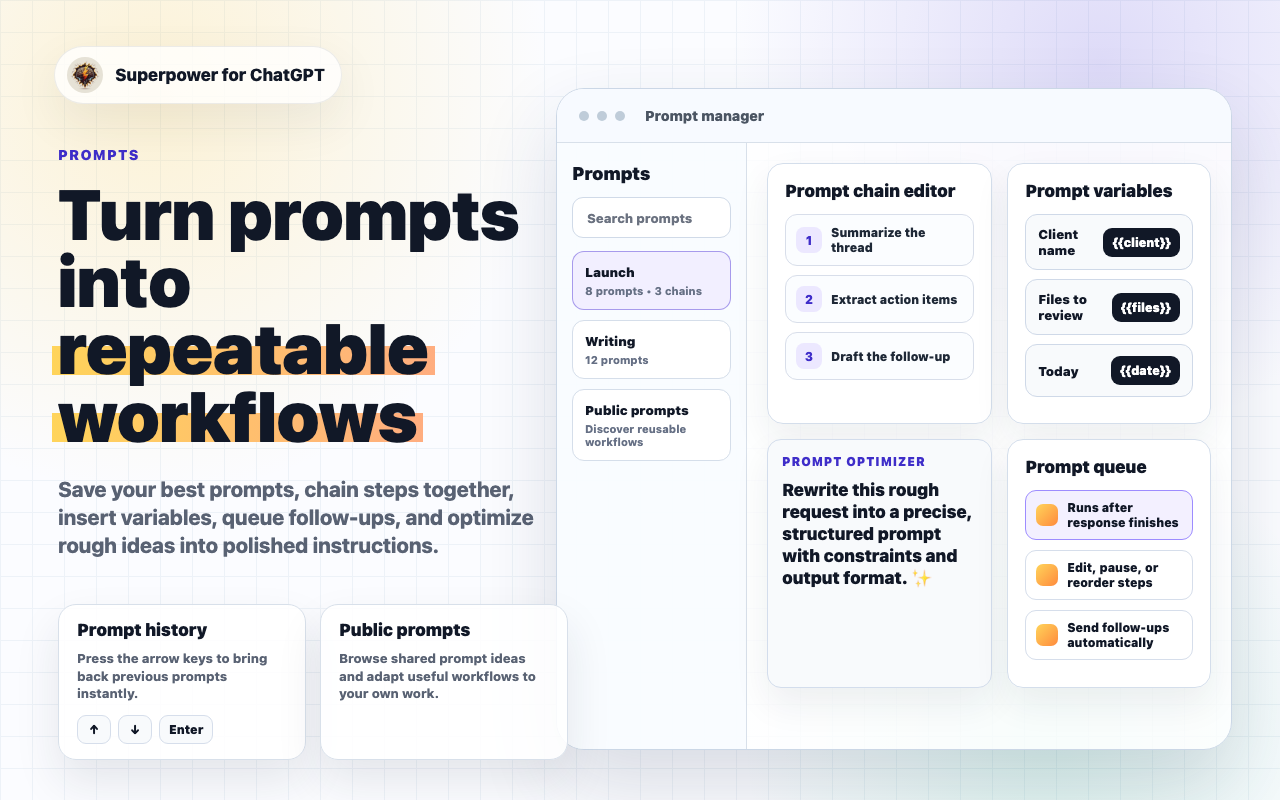
Export, print, reuse
Keep the work you want to save.
Export selected chats, folders, date ranges, or full conversations. Print long conversations with templates, include images, reference past chats, and download responses as audio.
Export conversationsPrint full PDFs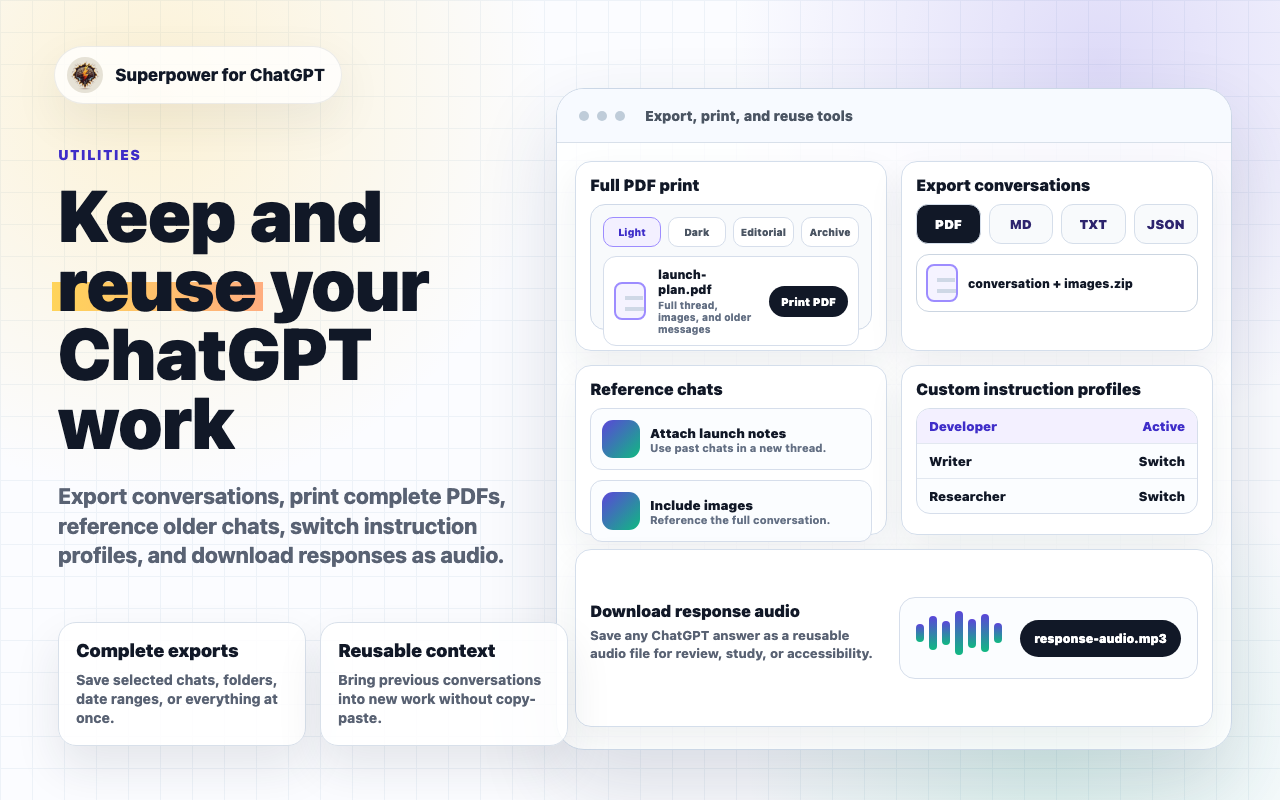
New website
A better place to learn Superpower.
- Tutorials: Step-by-step guides for folders, search, highlights, tree maps, exports, prompt workflows, settings, and more. Learn more
- Release notes: A cleaner product history for new versions and feature updates. Learn more
- Free tools: Paste a public ChatGPT share link to map, export, print, summarize, or download images without installing anything. Learn more
- The sp trick: Add sp before a public ChatGPT URL, and Superpower opens the free tools for that conversation. Learn more
- Giveaway: Enter the monthly draw for a chance to win 1 year of Pro. Learn more
Try these firstA few quick ways to feel what changed in v8:
Privacy note: Free tools only work with public ChatGPT share links. Private ChatGPT conversation URLs cannot be read by the tools. |
A small thank-you for trying v8
For the launch, use code V8LAUNCH for 30% off your first 3 months of Pro. Good through July 14, 2026.
You can also enter the monthly giveaway for a chance to win 1 year of Pro.
Upgrade with V8LAUNCHEnter the giveawayInstall or update
If you already use Superpower, Chrome usually updates the extension automatically. If the new tools do not appear, refresh ChatGPT or restart Chrome. If you are installing for the first time, you can get it from the Chrome Web Store.
Install/update Superpower ChatGPTLearn the new featuresWhat should we build next?Reply to this email with the feature you want next, what still feels confusing, or the tutorial/video that would help you most. |